ChatSweep
Grab any AI conversation in one click.
Copy a full conversation from ChatGPT, Claude, Gemini, or 4 more, then paste it into another AI for a second opinion. One click.
Requires a Mac with Apple Silicon (M1 or later).
See it in action
60 seconds. That's all it takes to get it.
You use multiple AI tools.
Moving conversations between them shouldn't be this hard.
Stuck in one AI
Deep into a conversation, then you hit a rate limit or want a second opinion. One click and your full chat is ready to paste into another AI.
Long chats disappear
AI chats lazy-load messages. Scroll down far enough and the earlier parts vanish from the page. You can't copy what isn't there anymore.
Manual copying is a mess
Cmd+A grabs the whole page: sidebars, menus, everything. And there's no way to tell which parts are yours and which are the AI's.
Three steps. That's it.
Trigger
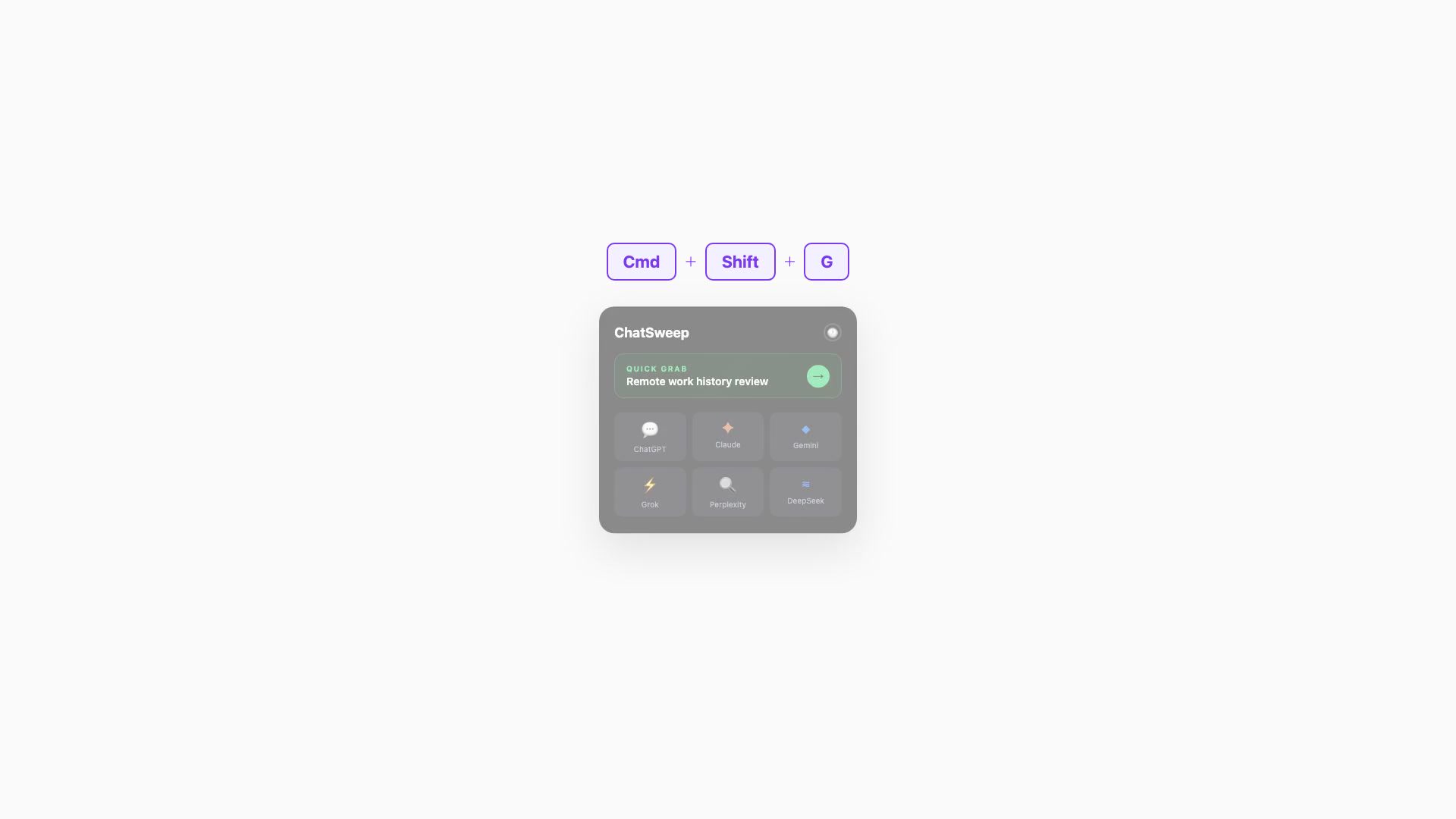
Triple-click anywhere on your screen or press ⌘⇧G.
Speed adjustable in Settings. You can also turn it off.
Pick a conversation
ChatSweep finds your open AI tabs. If you're already on one, Quick Grab has it ready to go.
Paste anywhere
Full conversation on your clipboard. Paste it into another AI, a doc, or wherever you need it.
Works with what you already have
7 AI platforms and 3 browsers, out of the box.
AI Platforms
Browsers
Built for one thing. Does it well.
Instant extraction
Full conversations grabbed in under a second, no matter the length.
Multi-browser support
Chrome, Safari, and Brave. Switch browsers without switching tools.
Multiple formats
Raw text, Markdown, XML, Chat, or JSON. Pick the format that fits your workflow.
Conversation history
Access previously grabbed conversations anytime from the menu bar.
100% offline
Nothing phones home. No servers, no cloud, no data leaves your Mac.
Lightweight
Tiny footprint. Lives in your menu bar, stays out of the way.
Nothing leaves your Mac.
No servers. No accounts. No telemetry. ChatSweep reads your browser tabs locally and copies text to your clipboard. That's the whole architecture.
One price. No subscriptions.
Lifetime License
One-time payment
- ✓3-day free trial included
- ✓All 7 AI platforms supported
- ✓Chrome, Safari, and Brave
- ✓All future updates included
- ✓No account required
- ✓macOS 13+ (Ventura and later)
Setup takes sixty seconds
Three quick steps. All permissions are one-time only.
Download and install
Download the DMG above, double-click to open it, then drag ChatSweep into your Applications folder. Open it from Applications or Spotlight.
Signed and notarized by Apple, no Gatekeeper warnings. Look for the icon in your menu bar.
Enable browser access
In your browser, go to View > Developer and check "Allow JavaScript from Apple Events".
Safari: first enable "Show features for web developers" in Safari > Settings > Advanced, then use the Develop menu.
Grant Automation access
First time you grab a chat, macOS will ask to control your browser. Click OK.
Denied it by accident? System Settings > Privacy & Security > Automation > ChatSweep.
Browser setup (one-time)
Chrome / Brave
- 1.Open Chrome (or Brave)
- 2.In the menu bar, click View > Developer
- 3.Check "Allow JavaScript from Apple Events"
Safari
- 1.Open Safari > Settings > Advanced
- 2.Enable "Show features for web developers"
- 3.In the menu bar, click Develop
- 4.Check "Allow JavaScript from Apple Events"
This enables ChatSweep to read conversation content from your browser tabs. Built-in macOS/browser setting, not a third-party extension.
Ready to go.
Look for the ChatSweep icon in your menu bar. Triple-click anywhere or press ⌘⇧G to grab your first conversation.
Find triple-click distracting? Adjust the speed or turn it off in Settings.
What's New
Latest improvements and fixes.
April 7, 2026
Fixed License Key Activation
- Resolved an issue where valid license keys were rejected as invalid after purchase.
- Rebuilt and re-signed the app with the correct product verification.
March 6, 2026
Better Markdown & Code Extraction
- Code blocks now preserve syntax highlighting hints and language tags in Markdown output.
- Claude artifact blocks (e.g. canvas code) are extracted cleanly instead of being flattened.
- Line numbers inside code blocks are stripped automatically so pasted code is ready to run.
- Fixed a timeout that could cut off very long conversations mid-extraction.
Something not working? Email us at support@chatsweep.com
Roadmap
All future updates included free with your purchase.
7 AI platforms supported
ShippedChatGPT, Claude, Gemini, Grok, Perplexity, DeepSeek, and Copilot.
3 browser support
ShippedChrome, Safari, and Brave all working out of the box.
5 export formats
ShippedRaw text, Markdown, XML, Chat, and JSON output formats.
Conversation history
ShippedRe-copy any previously grabbed conversation from the menu bar.
Quick Grab
ShippedAuto-detects your active AI tab for one-click extraction.
More browser support
PlannedFirefox, Arc, Edge, and other Chromium-based browsers.
Smart summaries
PlannedChoose between a short summary, long summary, or the full conversation when copying.
Multi-grab
PlannedSelect multiple conversations and copy them into a single, structured clipboard output.
Windows version
PlannedBring ChatSweep to Windows with the same one-click workflow.
FAQ
No. It reads browser tabs using macOS Accessibility APIs and copies text to your local clipboard. No servers, no analytics, no data collection of any kind.
macOS 13 (Ventura) or later on Apple Silicon (M1 or newer).
Five formats: Raw text, Markdown, XML, Chat, and JSON. You can set your preferred default in the menu bar.
Just one: enable "Allow JavaScript from Apple Events" in your browser. ChatSweep is signed and notarized by Apple, no Gatekeeper warnings.
ChatSweep uses macOS Automation to ask your browser for the page content. Same system apps like Alfred and Raycast use. You grant it once.
Yes. Download ChatSweep and use it for 3 days with no restrictions. After the trial, enter a license key from Gumroad ($4.99, one-time) to unlock permanently.
We actively add support for new AI platforms. All updates are included free.